Grok Bot, Herdr, and Anyr CLI
Run coding work with Grok Bot assigning goals, Herdr showing the box, and Anyr CLI launching Claude Code when Cursor cloud is blocked.
Grok Bot, Herdr, and Anyr CLI
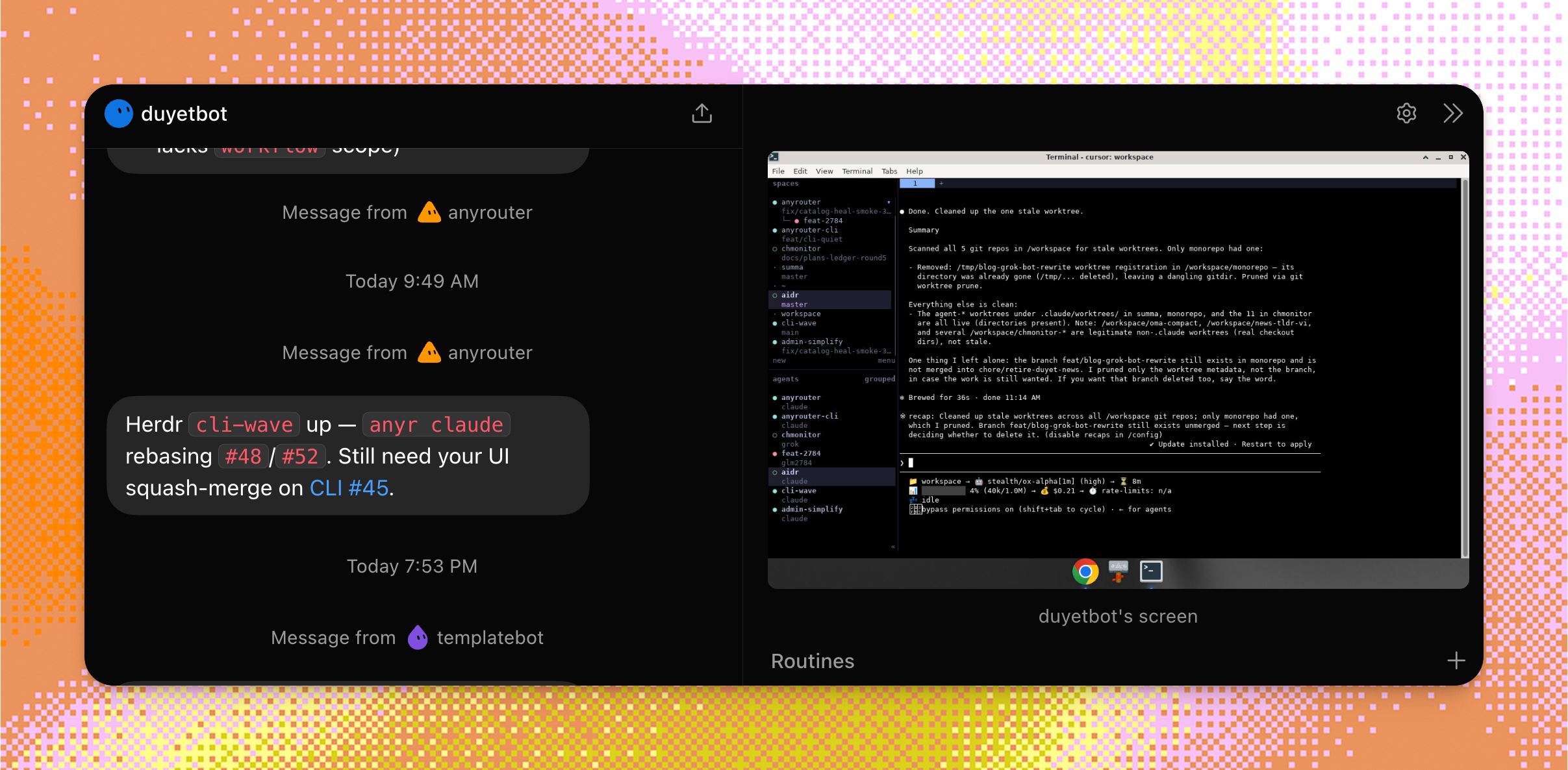
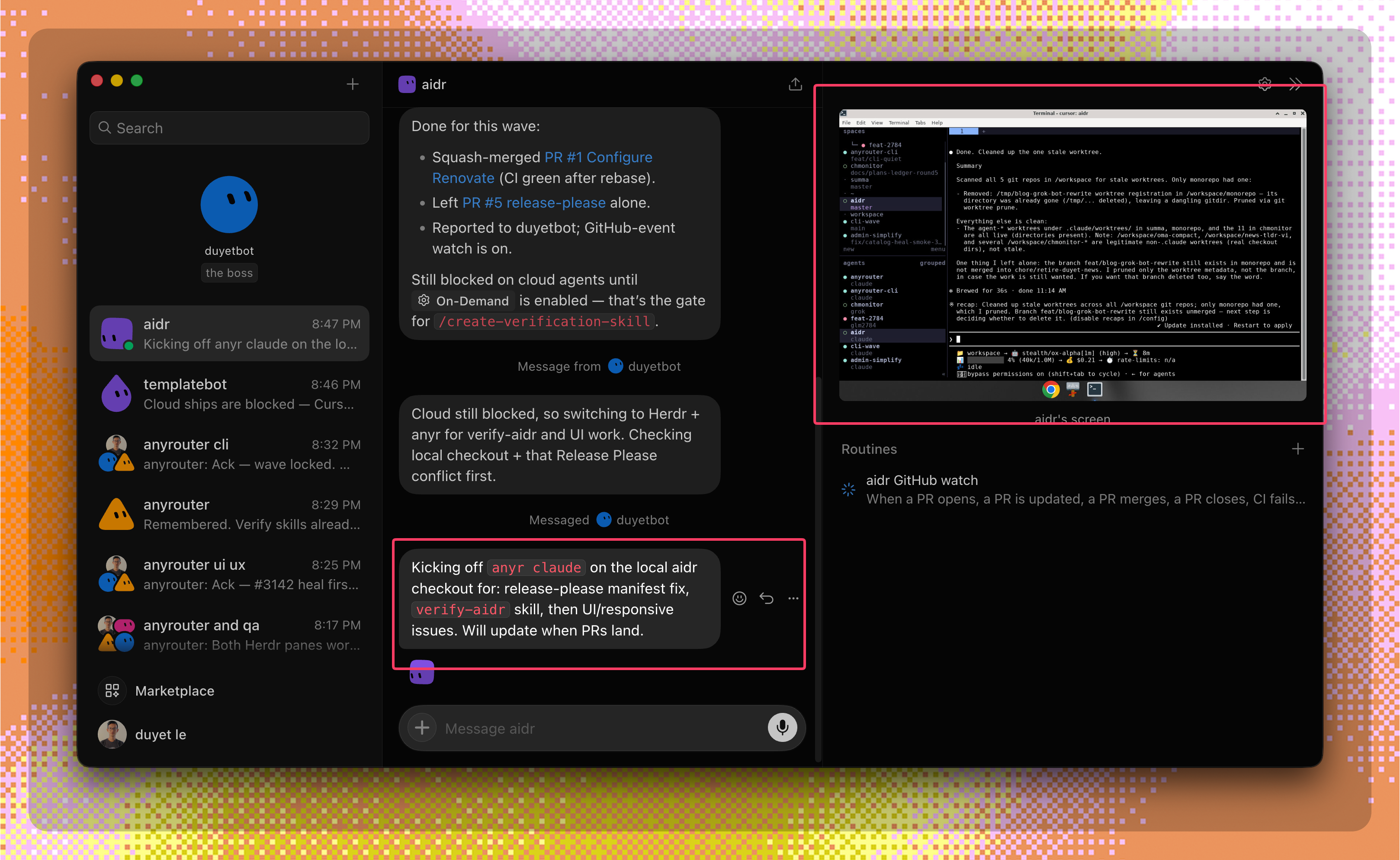
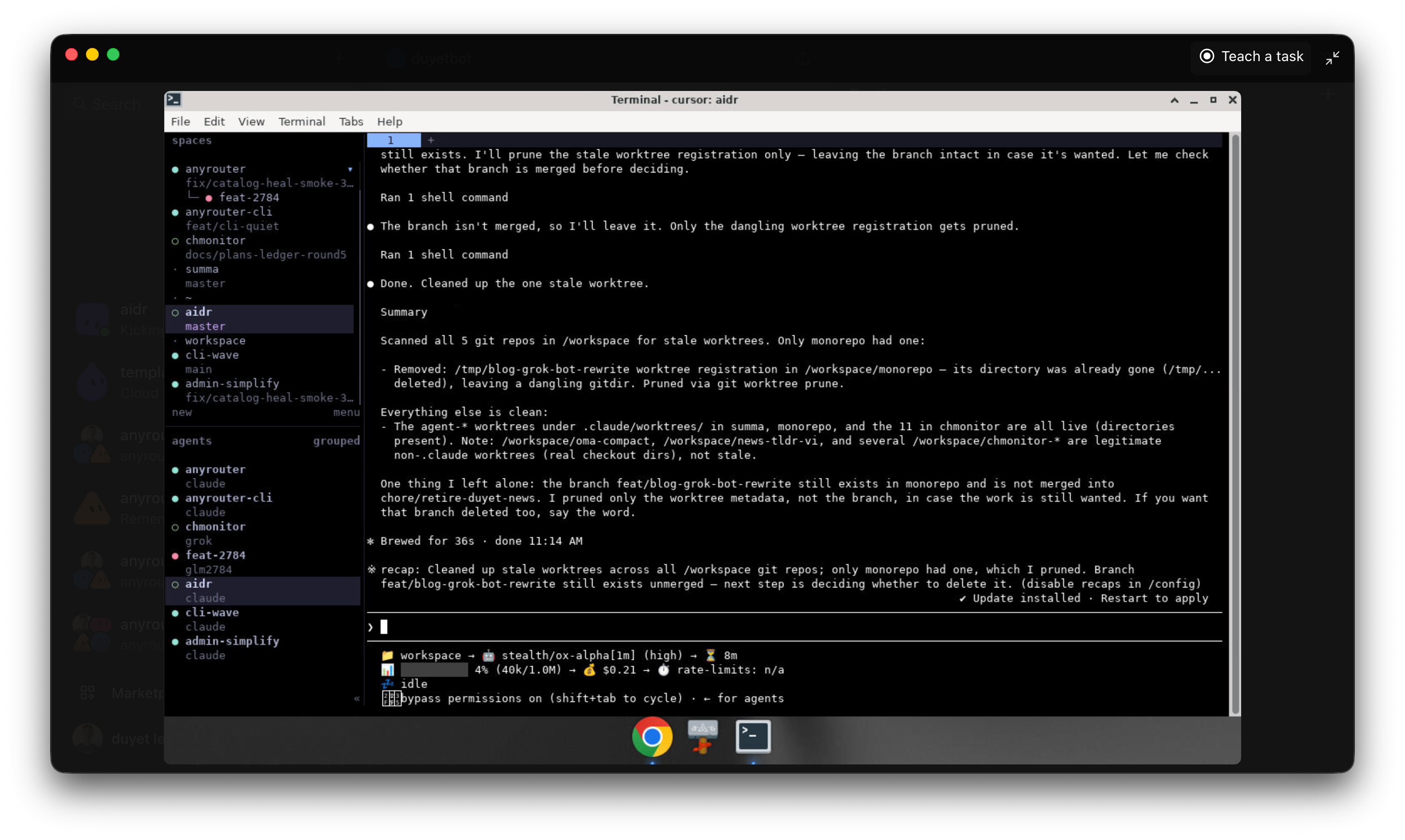
Use this loop when you want a live coding agent on a repo checkout. Grok Bot assigns the goal. Herdr shows the box so you can watch or attach. Anyr CLI runs Claude Code in that space.
What this is
Three pieces, one job.
- Grok Bot (fleet manager, often
duyetbot) assigns a goal and collects the PR URL plus smoke result. - Herdr is the box. Open a space on the repo checkout, then watch or attach the live terminal over Tailscale.
- Anyr CLI launches Claude Code through AnyRouter in that space.
anyr claude --model "poolside/laguna-s-2.1[1m]" --yolo--yolo is unattended (auto-approve). Pin only this documented model id unless the goal names another catalog id. minimax/m3[1m] is a valid alternate for the same loop.
When to use it
Use this loop when any of these are true.
- Cursor cloud usage or on-demand is blocked.
- You want a live terminal you can attach over Tailscale.
- You are running more than one repo space at once.
Keep Grok Build out of this loop. Launch with anyr claude, not anyr grok. If a cloud agent comes back on grok-4.6 Fast, turn Fast off. Never Fast.
Before you start
- Install Anyr CLI and sign in. See AnyRouter CLI and anyr claude.
- Have a Herdr space (or create one) on the repo checkout, for example
/workspace/<repo>. - Pull the tip of the branch you will work on before you launch the agent.
How to run it
In the repo checkout, update the branch you will work on. Do this before you open a new space so the agent does not start from a stale tree.
Open or create a Herdr space pointed at that checkout. Attach when you want to watch the terminal.
From the space:
anyr claude --model "poolside/laguna-s-2.1[1m]" --yoloInstall Claude Code first if it is missing: anyr claude --install --ok.
Paste the prompt in Example prompt. Fill in the goal and the smoke command. Rules stay as written. Squash-merge the PR. Never merge a release-please PR.
Run the smoke named in the prompt (anyr update, curl health, or Playwright). After squash-merge, deploy from the local checkout (pnpm ops deploy or that repo's deploy command). Report the PR URL and the smoke result back to duyetbot.
Example prompt
Copy this into Grok Bot. Replace the goal and the smoke line.
Use Herdr + Anyr CLI for coding (Cursor cloud may be exhausted).

1) Open/create a Herdr space on the repo checkout (e.g. /workspace/<repo>).
2) Run: anyr claude --model "poolside/laguna-s-2.1[1m]" --yolo
3) Goal: <unique issue / rebase PR / add verify-* skill / UI fix>
4) Rules: grok-4.6 Fast off if cloud returns; never Fast; never Grok Build; squash-merge (never release-please); after merge deploy from local (pnpm ops deploy / repo deploy); /poteto-mode + in-repo verify-* skill when present.
5) Smoke: <anyr update | curl health | playwright>
6) Report PR URL + smoke result back to duyetbot.
This page documents poolside/laguna-s-2.1[1m] as the example model id for the loop; minimax/m3[1m] is an alternate. Both carry a [1m] reasoning-effort suffix and route through non-cloudflare backends. Avoid stealth/ox-alpha for this loop: its upstreams are flaky and intermittently 401, which surfaces as transient auth errors rather than clean model availability. Browse other Messages-compatible ids at anyrouter.dev/models?endpoint=messages.
Related
- anyr claude — launcher flags, login, and
--dry-run - AnyRouter CLI — install, targets, and shared config
- Claude Code — why route Claude Code through AnyRouter
- Run Claude Code against AnyRouter